Keep your existing maintenance systemsYou decide what customers seeCustomer access: Free — Always
01 / Customer visibility
“Any update?” Already answered.
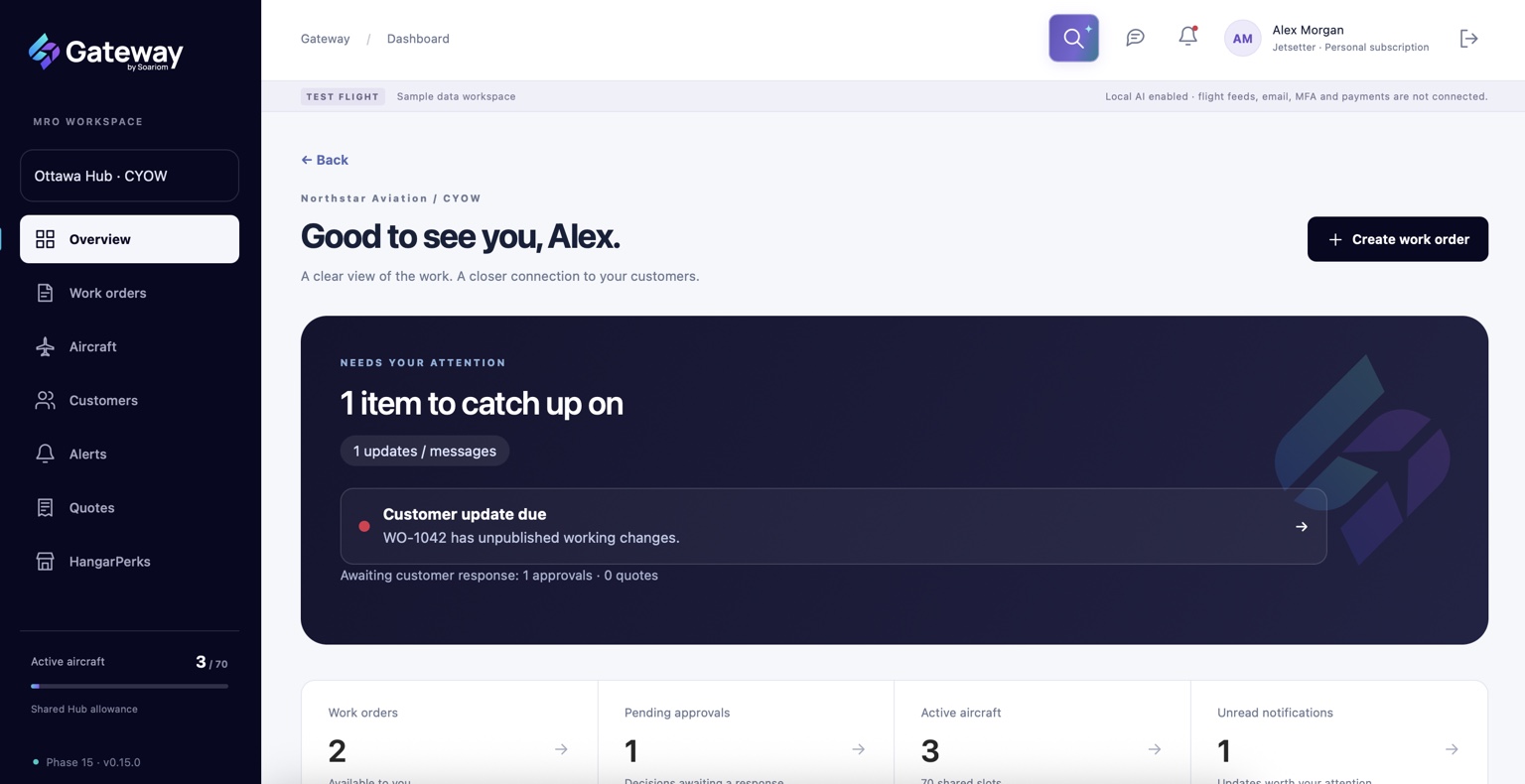
Give customers one place to find published progress, shared documents, messages and decisions. Keep the context with the work, instead of making them piece it together.
Your working view. Their clear picture.
Prepare the update before it reaches your customer.
01 / INTERNAL LIVE
Work on it.
Maintain tasks, notes and progress as the work moves forward.
Your team’s working information
02 / CUSTOMER DRAFT
Make it clear.
Select what to share, explain changes and review the customer’s view.
Prepared before publication
03 / PUBLISHED
Keep them informed.
Publish a fixed version, with a matching PDF copy in the update email.
A shared record you can refer back to
Progress without the guesswork.
Share relevant dates, stages and explanations. Customers see the updates you publish; internal edits stay internal until you choose to share them.
02 / Quotes & approvals
Get a decision. Keep the context.
A revised quote shouldn’t become a mystery attachment. Keep the proposal, the questions and the customer’s decision connected.
BEFORE THE WORK
From quotation to a clear next step.
Create and revise proposals, respond to clarification requests and track decisions. Turn an accepted quotation into a work order while retaining its own reference and history.
Prepare→Issue & discuss→Record the decision
WHEN THE SCOPE CHANGES
Additional work. Documented decisions.
Request approval for extra work, parts or services. Keep changed terms, customer questions and dated decisions together, with a link to the relevant task when needed.
Explain the change→Request approval
Basic quotations and approvals are included across paid plans. Reusable service packages, price books and templates begin with Aviator.
03 / Conversations & collaboration
Same work. Same conversation.
Give messages and documents a home alongside the records they concern. Bring colleagues into the work with Co-Pilots, while keeping ownership and permissions clear.
Connect conversations to the work. Surface unread messages, published updates and decisions needing attention.
02
Documents you choose to share.
Keep relevant files with work orders, quotations and approvals, with explicit control over customer visibility.
03
Co-Pilots with clear permissions.
Aviator and Jetsetter subscribers can invite Co-Pilots to work orders they own and assign their access.
Premium work-order tools apply to work orders you own. Co-Pilot access follows the owner’s permissions.
04 / Meet Wingman
Less preparing updates. More keeping people updated.
Wingman is Gateway’s AI agent, powering the intelligent tools behind clearer customer communication. From imports to insights, Wingman helps with the heavy lifting. Your team reviews the output and stays in control.
BRING INFORMATION IN
Upload & Organize
Bring supported documents, spreadsheets, images and pasted tables into a structured starting point. Review the mapping and any cautions.
MATCH THE PROGRESS
Taskmaster
Match incoming progress reports to existing tasks. Review proposed changes and resolve uncertain matches before applying them.
EXPLAIN WHAT CHANGED
Snapshot
Prepare a factual customer-update narrative from publication data and changes. Review it before it goes out.
FIND THE CONTEXT
Ask Wingman
Find and understand information you have permission to access, without losing the thread of the work.
SEE WHAT NEEDS ATTENTION
Pulse
Bring communication and relationship signals together to help identify customers or work that may need a closer look.
LOOK AHEAD
Outlook
Explore progress, possible delays and forecast guidance. Suggested dates remain separate from dates your team confirms.
Tools and import options vary by plan. Pulse and Outlook are part of Jetsetter.