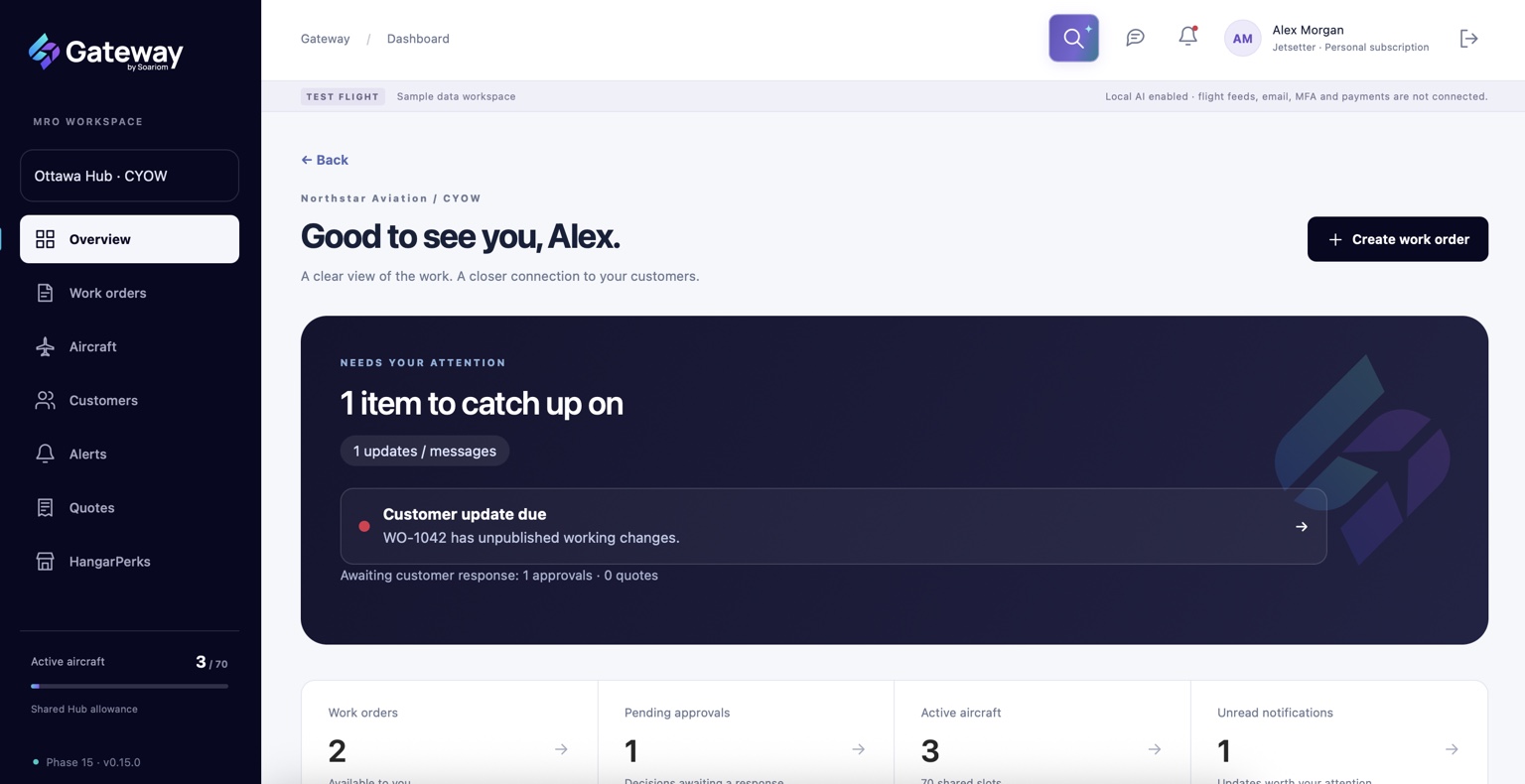
Create a work order from existing information, an accepted quotation or a manual entry. Keep the references and context your team and customer need.
Wingman, Gateway’s AI agent, helps reduce repetitive preparation. Use Upload & Organize to structure supported reports and tables for review, and Taskmaster to match incoming progress against existing tasks. Tool availability varies by plan.
A starting point that fits your work.Manual entrySupported importsAccepted quotations
Keep using your existing maintenance systems. Gateway does not require an automatic connection to them; supported import options vary by plan.
02 / Prepare their view
Working notes aren’t customer updates. You get the final say.
Keep internal progress separate from the customer draft. Choose what to include, add useful explanations and review the update before publication.
Wingman’s Snapshot can help prepare the narrative on eligible plans. Your team reviews it before anything is shared.
INTERNAL LIVE
The working detail.
Tasks, notes, hours and progress for your team to work with.
Prepare →
CUSTOMER DRAFT
The useful picture.
The information and explanations you intend to share.
Review →
YOUR DECISION
Ready to publish?
Check the customer’s view and choose when the update goes out.
Internal edits stay internal.
Customers see the information you deliberately publish. They don’t see every working change as it happens.
03 / Publish a clear update
One update. A shared understanding.
Publish a fixed customer-visible version of the update. Customers can open it in their free portal, and the update email includes a matching PDF copy.
When the next update is ready, publish a new version. The history preserves what was shared, so there’s a clear reference for the conversation.
ONE PUBLICATION / CONNECTED REFERENCES
01
In the customer portal.
Published progress, changes and relevant shared information.
02
In the update email.
A PDF copy of that same published version.
03
In the shared history.
A record of what the customer was told, when it was published.
04 / Keep things moving
The update starts the conversation.
Keep the next question or decision connected to the work. Less hunting through email threads. More knowing what happens next.
A QUESTION COMES BACK
Discuss it in context.
Use messages linked to the relevant records, with shared documents close at hand.
THE SCOPE CHANGES
Ask for a decision.
Issue a quotation or additional-work approval, handle clarification and keep dated decisions together.
SOMETHING NEEDS ATTENTION
Pick up the right thread.
See unread messages, newly published updates and customer decisions needing a response.
YOUR CUSTOMERS ARE PART OF THIS
Free — Always.
Invite customers to a free account for the published updates, messages, quotations and approvals they’re authorised to access. No paid customer subscription required.
Getting started
Start with you. Bring people in.
Gateway subscriptions are for individual MRO professionals. You can start with your own work and customer relationships.